📬 Instant Delivery 🔑 Genuine Product Keys 🔒 Secure Payments 🌐 24/7 Live Chat 🛡️ Support Included
windows 11 won't activate

Windows 11 Won’t Activate? How to Fix Every Activation Error

⚡ TL;DR: Windows 11 won’t activate If Windows 11 won’t activate, work through these in order: (1) check your internet connection, (2) run the built-in Activation Troubleshooter, (3) confirm your key matches your edition (Home key needs Home, Pro key needs Pro), (4) re-enter the product key cleanly, (5) use the Troubleshooter’s “I changed hardware […]

check if pc can run windows 11

How to Check if Your PC Can Run Windows 11 (TPM, Secure Boot & CPU)

⚡ TL;DR: Can your PC run Windows 11? The fastest way to check is Microsoft’s free PC Health Check app, which tells you in seconds if your PC qualifies. Windows 11 needs TPM 2.0, Secure Boot, a supported 64-bit CPU (roughly Intel 8th gen or newer, AMD Ryzen 2000 or newer), 4 GB RAM, and […]

windows 10 end of life

Windows 10 End of Life: What Happens Now & What to Do

⚡ TL;DR: Windows 10 end of life, explained Windows 10 reached end of support on October 14, 2025. Your PC still works, but Microsoft no longer ships free security updates, feature updates, or technical support. You have three realistic paths: (1) upgrade to Windows 11 if your hardware qualifies (the recommended move), (2) enroll in […]

windows update won't install, windows update failed, softwaredistribution folder, windows update troubleshooter, windows update error code, sfc dism windows update, windows 11 update stuck

Windows Update Stuck or Won’t Install? How to Fix It (2026)

⚡ Fix a stuck or failing Windows Update If Windows Update is stuck, frozen at a percentage, or failing with an error code, work through these in order: (1) wait 2 to 3 hours (some updates genuinely take that long), (2) restart and retry, (3) run the built-in Windows Update Troubleshooter, (4) clear the SoftwareDistribution […]

transfer windows 11 license, move windows license new computer, retail vs oem transfer, deactivate windows license old pc, slmgr transfer license, windows license new motherboard, can i transfer oem windows license

How to Transfer Your Windows License to a New PC (2026 Guide)

⚡ How to transfer a Windows license to a new PC You can transfer a Windows license to a new PC only if it’s a Retail license, OEM licenses are locked to their original motherboard and can’t be moved. To transfer: (1) deactivate or remove the license from the old PC, (2) install Windows on the […]

clean install windows 11 usb, windows 11 bootable usb, media creation tool windows 11, install windows 11 from usb, format and install windows 11, windows 11 fresh install, delete partitions install windows

How to Clean Install Windows 11 from USB (Step-by-Step 2026)

⚡ How to clean install Windows 11 A clean install wipes your drive and installs a fresh copy of Windows 11. The process: (1) back up your files, (2) create a bootable USB with Microsoft’s Media Creation Tool (8 GB+ drive), (3) boot from the USB, (4) delete the old partitions and install Windows on […]

windows 11 slow fix, make windows 11 faster, windows 11 performance tweaks, disable startup apps windows 11, windows 11 lag fix, why is my windows 11 slow, optimize windows 11

How to Speed Up Windows 11: 12 Proven Fixes That Actually Work

⚡ If Windows 11 is running slow, work through these in order: disable startup apps, turn off visual effects and transparency, free up storage with Storage Sense, update your graphics and chipset drivers, run SFC and DISM to repair corrupted system files, switch the power plan to High Performance, and turn off unnecessary background apps. Make […]

windows 11 copilot changes, microsoft removing copilot buttons, edge copilot open tabs, copilot+ pc features, windows 11 ai pc, is windows 11 becoming an ai operating system, copilot+ pc requirements, windows recall, copilot in edge tabs, copilot+ pc vs windows 11

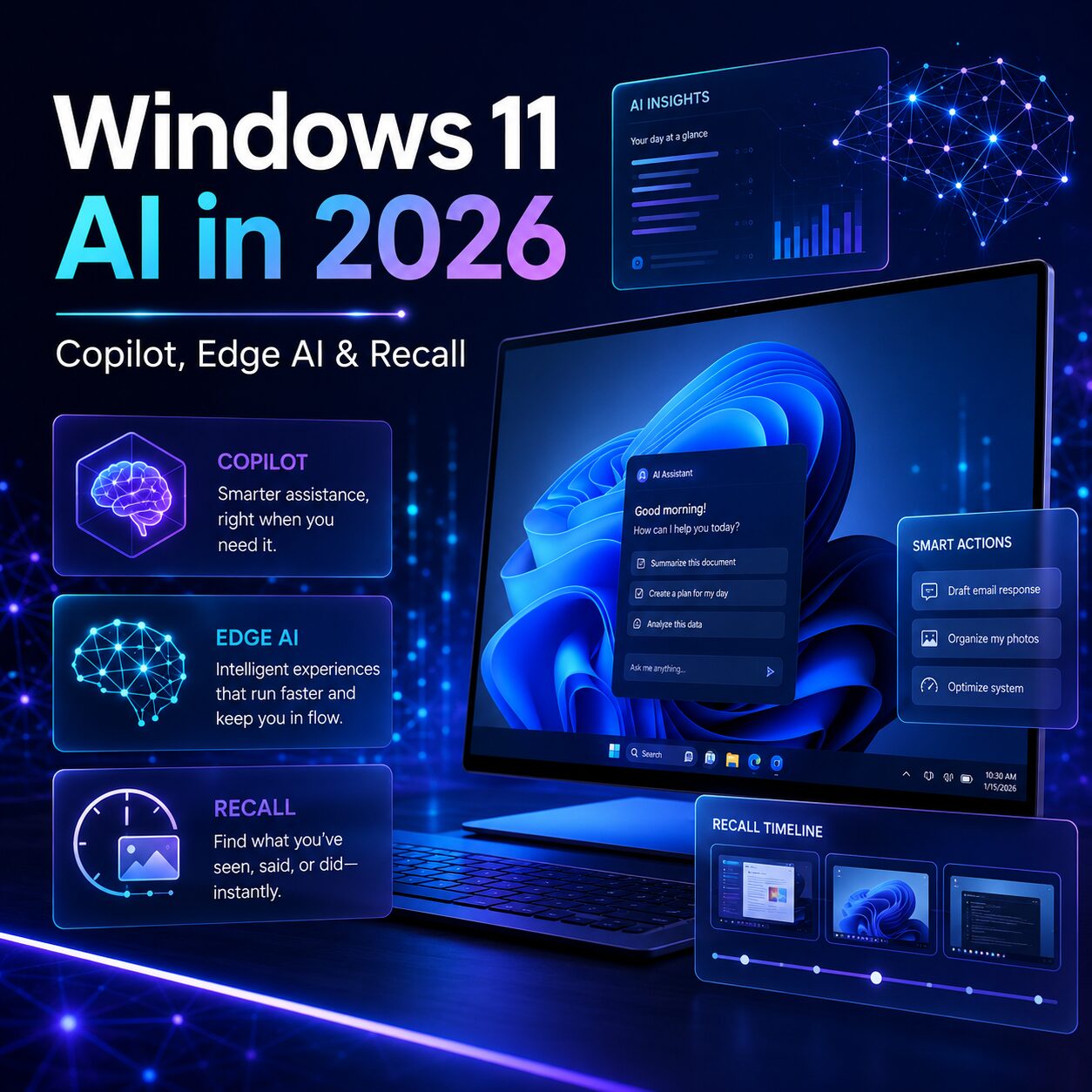
Windows 11 AI Features in 2026: Copilot, Edge AI & Recall

⚡ Windows 11 AI in 2026 Microsoft isn’t dropping AI in Windows 11, it’s repositioning it. After two years of cramming Copilot buttons into almost every system app, Microsoft is pulling them out of places like Notepad, Photos, Snipping Tool and Widgets, and putting AI where it actually helps. The headline change for May 2026 […]

Windows 11 laptop showing a black screen with only the mouse cursor visible after an update

Windows 11 Black Screen After Update: Quick Fix Checklist

Short answer In most cases Windows booted fine and only the desktop failed to appear. Press Ctrl + Alt + Delete. If the blue security screen shows up, open Task Manager, find Windows Explorer, and restart it. That alone fixes a large share of these. If nothing responds, force the PC off during boot three […]

Fast Delivery & Activation

Your Keys arrive via Email

Customer Service

Premium Support 24/7

100% Secure Checkout

Stripe / MasterCard / Visa

0