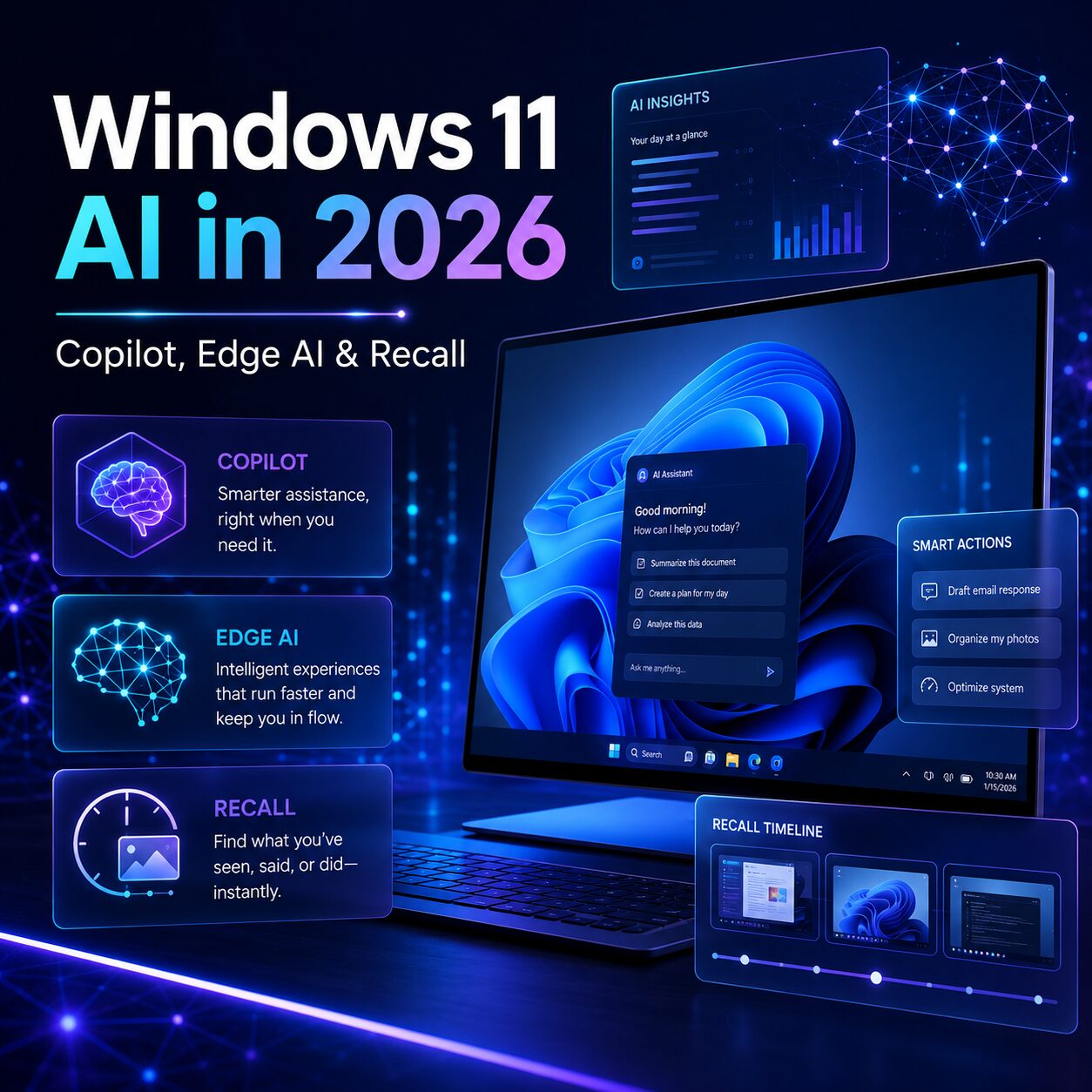
⚡ Windows 11 AI in 2026
Microsoft isn’t dropping AI in Windows 11, it’s repositioning it. After two years of cramming Copilot buttons into almost every system app, Microsoft is pulling them out of places like Notepad, Photos, Snipping Tool and Widgets, and putting AI where it actually helps. The headline change for May 2026 is the new Edge Copilot, which can read across all your open tabs, remember past sessions, and even generate AI podcasts. Premium AI features (Recall, Cocreator, Live Captions) still require a Copilot+ PC with a 40+ TOPS NPU, but most everyday AI works on a regular Windows 11 PC, as long as it’s properly activated. If you’re planning to upgrade or reinstall, you can grab a genuine Windows 11 Pro key for $15.
If you’ve felt that Windows 11 has been getting noisier over the last two years, you weren’t imagining it. Microsoft pushed Copilot into almost every corner of the operating system and in 2026, it’s quietly reversing course. Microsoft has announced that it will reduce the number of places where Copilot appears throughout the OS, starting with Notepad, Photos, Snipping Tool, and Widgets. At the same time, the company shipped one of its biggest AI updates yet to the Edge browser, and continues building out a premium hardware tier called Copilot+ PCs for the AI features that need real horsepower.
For anyone using a Windows 11 PC right now, or thinking about buying a new one, this is the year that the “AI in Windows” story becomes clearer. Here’s what’s actually changing, what it means for your machine, and whether you need new hardware to keep up.
What Changed in Windows 11 AI in 2026
The shift can be summarized in one sentence: less Copilot everywhere, more AI where it matters.
In March 2026, Microsoft’s Windows chief Pavan Davuluri published an Insider blog explaining the new direction. Microsoft has been listening to user complaints for months about performance issues, intrusive AI, forced updates, and a cluttered experience, and the response is a structured plan to raise the bar on Windows 11 quality across 2026. As part of that plan, Microsoft is reducing unnecessary Copilot entry points, starting with apps like Snipping Tool, Photos, Widgets, and Notepad, and committing to being thoughtful about how and where it brings AI into Windows with transparency, choice, and control so that new capabilities enhance the experience rather than complicate it.
The change isn’t ideological. It’s pragmatic. Microsoft tried to make Windows 11 the flagship surface for its AI ambitions, layering Copilot experiences into the OS, the app ecosystem, and even hardware branding, but the operating system has a massive installed base with very different expectations, and many users simply want Windows to stay fast, predictable, and out of the way. The 2026 plan is the company’s attempt to find a middle ground.
Copilot Is Becoming More Contextual (and Less Everywhere)
The clearest example of this strategy shift is what Microsoft did to Edge on May 13, 2026 and what it’s not doing in the rest of the OS.
In Edge, Microsoft made Copilot dramatically more capable. Microsoft announced on May 13, 2026 that Copilot in the Edge browser can now analyze information across all open tabs on desktop and mobile, while adding study tools, AI-generated podcasts, writing assistance, browsing-history context, long-term memory, and a redesigned Copilot-centered new tab page. That’s a meaningful upgrade, the kind of feature that actually changes how you research, study, or compare products online.
The Edge update introduced several distinct capabilities:
| Feature | What it does | Requires permission? |
|---|---|---|
| Cross-tab reasoning | Reads and compares content across every open tab | Yes |
| Journeys | Summarizes browsing sessions and suggests next steps | Yes |
| Long-term memory | Uses browsing history for personalization | Yes |
| Voice and Vision | Spoken interaction + visual analysis on mobile | Yes |
| AI study tools | Quizzes, summaries, and study guides from open content | No |
| Browse with Copilot | Agentic actions (bookings, autonomous tasks) | Yes – explicit activation |
The key design choice here is that Microsoft retired Copilot Mode with the May 2026 update, moving its contextual features into Edge’s Copilot sidebar while pushing the agentic capabilities, booking reservations, taking autonomous actions, into a separate tool called Browse with Copilot that requires deliberate activation rather than running as part of the default browsing experience.
This is the new Microsoft AI philosophy in action: powerful features should be opt-in and contextual, not always-on and ambient. You can open the new Copilot sidebar from the top-right icon or with Win + Shift + C, and you’ll see a list of your open tabs that you can ask Copilot to compare, summarize, or extract information from.
Win + Shift + C opens the Edge Copilot sidebar with your tab list ready to query.What About Recall and Copilot+ PCs?
Not every Windows 11 AI feature runs on every PC. The most advanced experiences, Recall, Cocreator in Paint, Live Captions with translation, Auto Super Resolution in games are reserved for a premium hardware tier Microsoft calls Copilot+ PCs.
The reason isn’t artificial gatekeeping. These features run AI models locally on the device, which requires a dedicated AI chip called a Neural Processing Unit (NPU). Copilot+ PCs are a class of Windows 11 AI PCs powered by a turbocharged neural processing unit, a specialized computer chip powering AI features, that performs more than 40 trillion operations per second (TOPS), enabling tasks like real-time translation, image generation, and intelligent search to run locally.
Recall, explained without the alarmism
Recall is the feature that made the most headlines (mostly bad ones) when Microsoft first announced it. The idea: Windows takes periodic encrypted snapshots of your screen so you can later search for “that PDF about Q4 budgets I had open last Tuesday” instead of trying to find the file by name. After privacy concerns from the initial launch, Microsoft redesigned Recall around opt-in activation, on-device encryption, Windows Hello authentication for every search, and the ability to exclude specific apps or websites.
To run Recall, a PC must meet stricter requirements than the standard Copilot+ baseline. Systems using Recall must be a Copilot+ PC meeting the Secured-core standard, with a neural processing unit capable of 40 TOPS, 16 GB of RAM, and 8 logical processors.
Copilot+ PC requirements at a glance
| Requirement | Minimum spec |
|---|---|
| NPU performance | 40+ TOPS (trillion operations per second) |
| RAM | 16 GB DDR5 or LPDDR5 |
| Storage | 256 GB SSD or UFS |
| OS | Windows 11 version 24H2 or newer |
| Compatible processors | Qualcomm Snapdragon X, AMD Ryzen AI 300, Intel Core Ultra 200V |
On the updated Microsoft page, the company explicitly lists compatible processors: AMD Ryzen AI 300 series, Intel Core Ultra 200V series, and Qualcomm Snapdragon X series, making it easier for users to determine if their device is ready for the AI capabilities in Windows 11 24H2.
Do You Need Windows 11 Pro for AI Features?
No, most Windows 11 AI features work the same on Home and Pro. Both editions get the basic Copilot app, the Edge Copilot updates, the Ask Copilot search experience, and all the new contextual AI improvements rolling out in 2026.
That said, Windows 11 Pro remains the better edition for anyone who uses their PC for work, manages sensitive data, or wants the most flexible Windows experience. Pro adds:
- BitLocker – drive encryption (essential if you’re going to store AI-generated content with personal data)
- Remote Desktop (host) – connect into your PC from elsewhere
- Hyper-V – run virtual machines natively
- Windows Sandbox – disposable environments to test apps and AI tools safely
- Group Policy – fine-grained control over Windows behavior, including AI features
- Domain join & Azure Active Directory – for Microsoft 365 business environments
At Software Kings both editions are priced the same – $15 for a genuine retail key. There’s no price reason to “save” with Home; the choice should be purely about features. For most people who care about the new AI workflows enough to be reading this article, Pro is the better call.
Quick links to genuine Windows 11 keys
- Windows 11 Pro Retail Key – $15 (recommended for power users, freelancers, professionals)
- Windows 11 Home Retail Key – $15 (for personal and family use)
- Windows 11 Pro + Office 2024 Bundle – $26.50 (cheapest fully licensed Microsoft setup)
- Read: Windows 11 Pro OEM vs Retail – which one should you pick? →
Should You Upgrade Now or Wait?
Different starting points need different answers. Here’s how to think about it:
| Your current setup | Recommendation |
|---|---|
| Still on Windows 10 | Upgrade to Windows 11 now. Microsoft has ended mainstream Windows 10 support, and the 2026 AI improvements are exclusive to Windows 11. A clean install with a Windows 11 Pro Retail key is the fastest path. |
| Windows 11 on older hardware (pre-Copilot+) | No need to replace your PC. You’ll get most of the 2026 AI improvements, including Edge Copilot, the cleaner desktop, and the standard Copilot app. You’ll miss only the on-device Copilot+ features like Recall. |
| Windows 11 with a 24H2 / Copilot+ PC | You’re already in the best position. Make sure Windows is properly activated to unlock everything. |
| Buying a new PC in 2026 | Look for the Copilot+ badge if AI features matter to you. Otherwise a standard Windows 11 PC is more than enough and significantly cheaper. |
The Bigger Picture: Is Windows 11 Becoming an AI Operating System?
Microsoft’s own marketing now describes Windows 11 as an AI operating system, but the reality is more layered. There are effectively three tiers of AI in Windows 11 today:
- Cloud AI available on every Windows 11 PC. The standard Copilot app, Edge Copilot, the new Ask Copilot search box, and writing/summarization features that run in the cloud. No special hardware needed.
- Hybrid AI that works on most modern PCs. Some features run locally if you have a capable GPU and fall back to the cloud if not. Image generation in some apps, transcription, and basic translation fall here.
- On-device AI exclusive to Copilot+ PCs. Recall, Cocreator, Live Captions with real-time translation, Auto Super Resolution in games, and Windows Studio Effects. These require the 40 TOPS NPU and won’t work on older hardware.
This tiered approach is the most honest way to describe Windows 11 in 2026. Microsoft has publicly framed recent Windows updates as making every Windows 11 PC an AI PC, while at the same time positioning Copilot+ PCs as a premium tier, a clash between a universal marketing line and a hardware-gated experience that captures the current state of PC AI.
The practical takeaway: you don’t need a Copilot+ PC to benefit from the 2026 AI improvements. You’ll get the cleaner desktop, the smarter Edge browser, and the bulk of the Copilot experience on any properly licensed Windows 11 PC. Copilot+ is a “nice to have” for power users, not a requirement.
Frequently Asked Questions
Is Windows 11 an AI operating system now?
Yes and no. Microsoft markets Windows 11 as an AI PC platform, and most users will get the standard Copilot app, Edge Copilot, and various AI-assisted features. But the most advanced AI experiences, Recall, Cocreator, real-time translation require a Copilot+ PC with a 40 TOPS NPU. Standard Windows 11 PCs get most of the AI experience; Copilot+ PCs get all of it.
Do I need a Copilot+ PC to use Windows 11 AI features?
No, not for most of them. Standard Windows 11 PCs support Copilot, Edge AI, Ask Copilot search, and the new Edge cross-tab features. You only need a Copilot+ PC for on-device features like Recall, Cocreator, Auto Super Resolution, and Live Captions with translation. If those specific features don’t matter to you, a regular Windows 11 PC is enough.
Does Windows 11 Pro include Copilot?
Yes. Both Windows 11 Home and Pro include the same Copilot experience. The difference between Home and Pro is in features like BitLocker, Remote Desktop, Hyper-V, and Group Policy, not in AI. At Software Kings, both editions cost the same $15, so the choice is purely about whether you need Pro-tier features.
Is Recall available on every Windows 11 PC?
No. Recall requires a Copilot+ PC with a 40 TOPS NPU, 16 GB of RAM, 8 logical processors, and Secured-core compliance. It also requires Windows 11 24H2 or newer. Standard Windows 11 PCs cannot run Recall.
Can I disable Copilot in Windows 11?
Yes. You can uninstall the standalone Copilot app, turn off app-level AI features (like Notepad’s writing tools), and disable the Copilot key remapping in Settings. With Microsoft’s 2026 plan to reduce Copilot clutter, the number of places you need to manage will shrink throughout the year. Windows 11 Pro users have additional control through Group Policy.
Is the new Edge Copilot safe to use?
The new Edge Copilot is permission-based for the features that involve your data. Cross-tab reading, browsing history personalization, and long-term memory all require explicit consent. Agentic features (booking, autonomous actions) live in a separate tool called Browse with Copilot that requires deliberate activation. That said, any AI feature that ingests page content sends data to the cloud, so review the permissions before enabling them on a work PC.
What’s the difference between Copilot, Copilot+ PC, and Copilot in Edge?
Copilot is the AI assistant available across Windows 11 PCs. Copilot+ PC is a hardware tier (with a 40 TOPS NPU) that unlocks on-device AI features like Recall. Copilot in Edge is the AI integrated into the Edge browser, which got the major May 2026 cross-tab update. They overlap but aren’t the same thing.
If I have an older PC, am I missing out on the 2026 AI improvements?
Only partially. The reduced Copilot clutter, the new Edge Copilot, the standard Copilot app, and the Ask Copilot search box all work on regular Windows 11 PCs. You’ll miss only the Copilot+ exclusive features (Recall, Cocreator, etc.). For most users that’s an acceptable trade-off, especially compared to the cost of buying a new Copilot+ PC.
Does an unactivated copy of Windows 11 get all the AI features?
It can be unreliable. Unactivated Windows installations occasionally behave inconsistently across major feature updates, and some AI capabilities tied to a Microsoft account work better on a properly activated system. If you’re investing time into setting up the new AI features, a genuine Windows 11 Pro Retail key for $15 removes that whole category of uncertainty.
Should I wait for Windows 12 instead?
There’s no confirmed release date for Windows 12, and Microsoft’s 2026 plan strongly suggests the company is focused on improving Windows 11 rather than rushing a successor. If you’re on Windows 10, the right move now is to upgrade to Windows 11, not to wait for Windows 12.
Final Recommendation
The Windows 11 AI story in 2026 is more interesting than “Microsoft adds more AI” or “Microsoft retreats from AI.” It’s both — and that’s the right move. Less Copilot clutter on the desktop is a usability win for everyone. A smarter Edge Copilot is a productivity win for the people who actually want browser AI. And a clear premium tier (Copilot+ PCs) means buyers can decide for themselves whether they want on-device AI badly enough to invest in new hardware.
For most readers, the practical playbook is simple:
- If you’re on Windows 10, upgrade to Windows 11 now and license it with a genuine retail key.
- If you’re on Windows 11 already, keep your PC, the 2026 improvements will reach you through standard updates.
- If you’re shopping for a new PC and AI features matter, look for the Copilot+ badge.
- If you’re shopping for a new PC and AI features don’t matter, save the money, a standard Windows 11 PC will run everything that 95% of users actually need.
Planning a clean Windows 11 install before trying the new AI features?
Genuine retail keys with instant email delivery and full activation support.