📬 Instant Delivery 🔑 Genuine Product Keys 🔒 Secure Payments 🌐 24/7 Live Chat 🛡️ Support Included

Blog

black screen windows 11 login, safe mode windows 11, graphics driver issue, rollback windows update, startup repair windows 11, windows 11 black screen with cursor, windows 11 black screen no cursor, fix windows 11 black screen

Windows 11 Black Screen After Update: Quick Fix Checklist

⚡ Windows 11 black screen after update If your screen went black after a Windows update, work through this short checklist in order: check the display and cables, try the Windows + Ctrl + Shift + B reset, boot into Safe Mode, update or roll back your graphics driver, restart Windows Explorer if you see […]

difference between oem and retail windows 11, windows 11 pro oem license, windows 11 pro retail license, transferable windows license, buy windows 11 pro key, cheap windows 11 pro retail, windows 11 pro license types, oem vs retail explained

Windows 11 Pro OEM vs Retail: Differences & Best Choice 2026

Windows 11 Pro OEM vs Retail in one paragraph: both license types unlock the exact same Windows 11 Pro features (BitLocker, Remote Desktop, Hyper-V, Group Policy, Windows Sandbox, etc.). The difference is what happens after activation. An OEM license is tied to the first PC it activates and generally cannot be moved to another device. […]

remove Windows 11 watermark / remove Windows 10 watermark activate Windows watermark permanently get rid of "activate Windows go to settings" notification Windows nag screen / activation notification buy genuine Windows 11 product key / cheap Windows 11 license activate Windows 11 with product key Windows 11 Pro vs Home

How to Remove the “Activate Windows” Watermark (2026 Fix)

How to remove the “Activate Windows” watermark: the only permanent way to remove the “Activate Windows. Go to Settings to activate Windows” watermark is to activate your copy of Windows with a genuine product key. Registry edits, Notepad scripts and third-party “watermark removers” either bring the watermark back after the next update or leave your […]

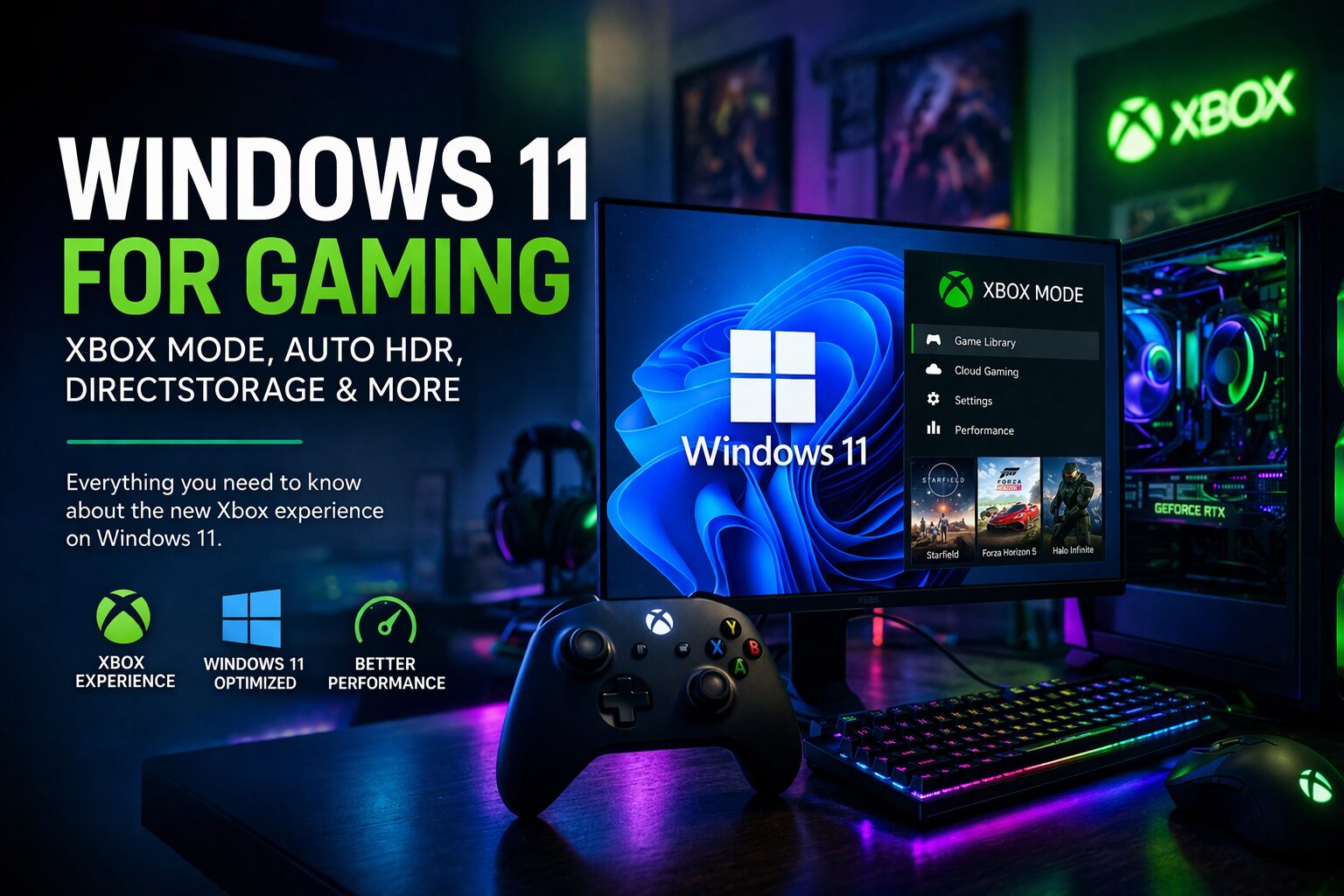
xbox mode windows 11, auto hdr windows 11, directstorage windows 11, is windows 11 good for gaming, windows 11 game mode

Windows 11 for Gaming: Xbox Features, FPS & Should You Upgrade?

⚡ Quick Summary Windows 11 won’t magically double your FPS, but it delivers real gaming advantages: Auto HDR, DirectStorage, Xbox app integration, and a platform Microsoft is actively building for PC gaming. For compatible hardware, upgrading is usually the right long-term move. Most gamers are not asking whether Windows 11 can run games. They are […]

chatgpt vs copilot - The Software Kings

ChatGPT vs Microsoft Copilot: Which One Should You Use for Work?

Microsoft Copilot is strongest when you want AI embedded directly into the Microsoft ecosystem—especially Windows, Word, Excel, PowerPoint, Outlook, and Teams. Microsoft describes Microsoft 365 Copilot as an AI productivity assistant across those apps, while Copilot in Windows is distributed as an app experience on supported Windows devices. ChatGPT is often stronger when you need […]

windows 11 activation error 0xc004f074

Windows 11 Activation Errors: How to Fix 0xC004F074 and Other Common Codes

Error 0xC004F074 usually means Windows tried (and failed) to activate against a KMS server common when people use leaked volume keys or misconfigured enterprise media on a home PC.Other frequent errors (like 0xC004C003) often indicate an invalid or blocked key, edition mismatch or too many activations.The fastest way to stop activation errors is to make […]

Upgrade to windows 11 - Software Kings Checklist

Upgrade Windows 10 to Windows 11: Checklist to Avoid Errors

Upgrading from Windows 10 to Windows 11 is straightforward if your hardware meets requirements, your system is stable, and you back up your data first.Most failed upgrades come from unsupported hardware (CPU/TPM/Secure Boot), full disks, corrupted Windows installs or questionable product keys.If your PC is very old or heavily tweaked, a clean Windows 11 install […]

windows 11 home vs pro

Windows 11 Home vs Pro: Real Differences and Which One You Should Choose

Windows 11 Home has everything most everyday users and gamers need.Windows 11 Pro adds business-grade features like BitLocker encryption, Remote Desktop host, Group Policy, domain/Azure AD join and virtualization tools.If you handle sensitive data, work remotely, or constantly tweak and test systems, Pro is worth the extra cost, especially as a Retail key you can […]

Windows 11 24H2 features & smooth update

Windows 11 24H2: New Features and How to Update Without Problems

Windows 11 24H2 (the 2024 Update) brings a mix of AI-focused features for Copilot+ PCs and quality-of-life improvements for everyone: better File Explorer, new energy saver, Wi-Fi 7 support, small but useful UI tweaks and a new “checkpoint” update model.Updating is generally safe if your hardware meets Windows 11’s requirements, your disk isn’t full and […]

Fast Delivery & Activation

Your Keys arrive via Email

Customer Service

Premium Support 24/7

100% Secure Checkout

Stripe / MasterCard / Visa

0