⚡ Quick Summary
Windows 11 won’t magically double your FPS, but it delivers real gaming advantages: Auto HDR, DirectStorage, Xbox app integration, and a platform Microsoft is actively building for PC gaming. For compatible hardware, upgrading is usually the right long-term move.
Most gamers are not asking whether Windows 11 can run games. They are asking whether it actually improves the experience enough to justify switching. That is exactly the right question, and this guide answers it in full.
Below you will find a clear breakdown of every gaming feature Windows 11 adds, an honest assessment of FPS impact, and a concrete recommendation on whether upgrading makes sense for your setup.
What Does Windows 11 Add for Gaming?
The biggest changes are feature-level improvements built directly into the OS. None of them are gimmicks, each addresses a real limitation that existed in Windows 10.
Auto HDR on Windows 11
Auto HDR is one of the most impactful visual upgrades Windows 11 brings to gaming. Originally introduced on Xbox Series X|S, it uses machine learning to automatically apply HDR brightness and color expansion to games that were designed for standard dynamic range (SDR) displays.
What makes it useful: you do not need the game to natively support HDR. Windows 11 applies it at the OS level to any compatible DirectX 11 or DirectX 12 game. If you have an HDR-capable monitor, hundreds of older titles suddenly look more vibrant and detailed without any update from the developer.
- Requires: An HDR-compatible monitor or TV
- Works with: DirectX 11 and DirectX 12 titles
- Enabled in: Settings → System → Display → HDR
DirectStorage on Windows 11
DirectStorage is a low-level API that allows game assets to be loaded directly from an NVMe SSD to the GPU, bypassing the CPU bottleneck that causes long loading screens on traditional storage pipelines.
In practical terms: games that support DirectStorage load faster, stutter less during open-world traversal, and deliver more consistent asset streaming. The feature was pioneered on Xbox Series X|S and is now part of Windows 11’s gaming stack.
- Requires: NVMe SSD + compatible GPU (NVIDIA RTX, AMD RX 6000 series, or Intel Arc)
- Best paired with: Games specifically optimized for DirectStorage (e.g., Forspoken, Ratchet & Clank: Rift Apart PC)
- Long-term impact: As more AAA titles adopt it, the advantage grows
Xbox Integration and the Xbox App
Windows 11 ships with the Xbox app pre-integrated and deeply tied into the system. This includes access to Xbox Game Pass, cross-save between PC and console, Xbox achievements on PC, and a cleaner interface for managing your library.
Game Bar (activated with Win + G) also receives continued updates on Windows 11, offering overlay tools for performance monitoring, capturing clips, and accessing Xbox social features without alt-tabbing.
Windows 11 Game Mode
Game Mode in Windows 11 works in the background, prioritizing CPU and GPU resources to the active game. It reduces the likelihood of background processes interfering with frame pacing and performance consistency.
Game Mode is on by default in Windows 11. You can verify or toggle it at: Settings → Gaming → Game Mode.
Note: There are edge cases where Game Mode can cause issues in specific titles or when streaming. If you notice inconsistent performance, it is worth toggling it off temporarily to compare.
Does Windows 11 Improve FPS?
This is where expectations need to be calibrated. The FPS difference between a clean Windows 10 install and a clean Windows 11 install is usually small, often within single digits in standard benchmarks.
That is not a flaw. It means both operating systems handle raw game execution at a similar level. The gap between Windows 11 and Windows 10 for gaming is not about raw frames, it is about the ecosystem and feature layer around those frames.
Where Windows 11 can show a measurable improvement:
- Hybrid CPU architectures (Intel 12th gen and newer): Windows 11 includes a scheduler that communicates with Intel’s Thread Director, helping games use performance cores more effectively.
- DirectStorage titles: Load time reductions are significant on supported hardware and games.
- Auto HDR displays: Not an FPS gain, but a visual quality improvement at no performance cost on most systems.
If you are expecting to jump from 60 FPS to 90 FPS just by changing operating systems, you will be disappointed. But if you want a modern OS that runs games well and adds features Windows 10 cannot match, Windows 11 is clearly the right choice.
Windows 11 vs Windows 10 for Gaming: Side-by-Side
| Feature | Windows 10 | Windows 11 |
|---|---|---|
| Auto HDR | ❌ No | ✅ Yes |
| DirectStorage | ⚠️ Partial | ✅ Full support |
| Xbox App integration | ⚠️ Available | ✅ Native + deeper |
| Game Mode | ✅ Yes | ✅ Yes (improved) |
| Intel hybrid CPU scheduler | ❌ No | ✅ Yes |
| Microsoft long-term support focus | ⚠️ EOL Oct 2025 | ✅ Active |
| Raw FPS difference | Usually <5% — depends on hardware and title | |
When Is Upgrading to Windows 11 Worth It for Gamers?
Upgrade now if:
- Your hardware already meets the Windows 11 requirements (TPM 2.0, Secure Boot, 8th gen Intel or Ryzen 2000+)
- You use Xbox Game Pass or the Xbox app regularly
- You have an HDR-capable monitor and want Auto HDR without per-game patches
- You are building a new gaming PC and want the current Microsoft gaming baseline
- You are on Windows 10 and aware it reaches end of support in October 2025
Be more cautious if:
- Your hardware barely meets the requirements or requires workarounds
- You play older titles where compatibility quirks may appear
- Your current Windows 10 setup is stable and you rely on specific software that may have compatibility issues
The bottom line: Windows 10’s end-of-life in October 2025 alone is a strong reason to plan your upgrade now, gaming features aside.
Do You Need a New Windows 11 Key?
This depends on how you are upgrading:
- Upgrading from a licensed Windows 10 PC: The digital license usually transfers automatically through Microsoft’s servers. You may not need a new key.
- Clean install on the same machine: A new key is recommended for a clean, verified activation without relying on the old license chain.
- New gaming build: You will need a genuine Windows 11 key. OEM and retail options both work, the difference is whether the license is tied to one machine or transferable.
🔑 Looking for a genuine Windows 11 key? The Software Kings offers verified Windows 11 Keys and Windows 11 Pro Retail licenses — ideal for new builds and clean installs.
Final Verdict: Is Windows 11 Good for Gaming?
Yes, with the right expectations. Windows 11 is not a performance miracle. It will not transform mid-range hardware into a top-tier rig. But for a modern gaming PC, it is the better operating system right now for three clear reasons:
- Exclusive gaming features, Auto HDR and full DirectStorage support are not available on Windows 10 at the same level.
- Microsoft’s active investment, New gaming features from Microsoft are being developed for Windows 11, not Windows 10.
- Long-term relevance, Windows 10 support ends in October 2025. Planning now avoids a rushed migration later.
Use a compatible machine, do a clean install if possible, and activate with a genuine key. That setup gives you the best possible baseline for PC gaming in 2024 and beyond.
Frequently Asked Questions About Windows 11 and Gaming
Is Windows 11 better than Windows 10 for gaming?
Yes, in most scenarios. Windows 11 includes exclusive gaming features like Auto HDR and full DirectStorage support, and is the platform Microsoft is actively building for PC gaming. FPS differences between the two are usually small, but the ecosystem and long-term advantages favor Windows 11, especially since Windows 10 reaches end of support in October 2025.
Does Windows 11 increase FPS in every game?
No. The FPS difference between Windows 10 and Windows 11 is often within single digits in standard benchmarks. Performance improvements are more noticeable on hybrid CPU architectures (Intel 12th gen+) and in games optimized for DirectStorage. Hardware, drivers, and game optimization have a far greater impact on FPS than the operating system alone.
What is Xbox mode on Windows 11?
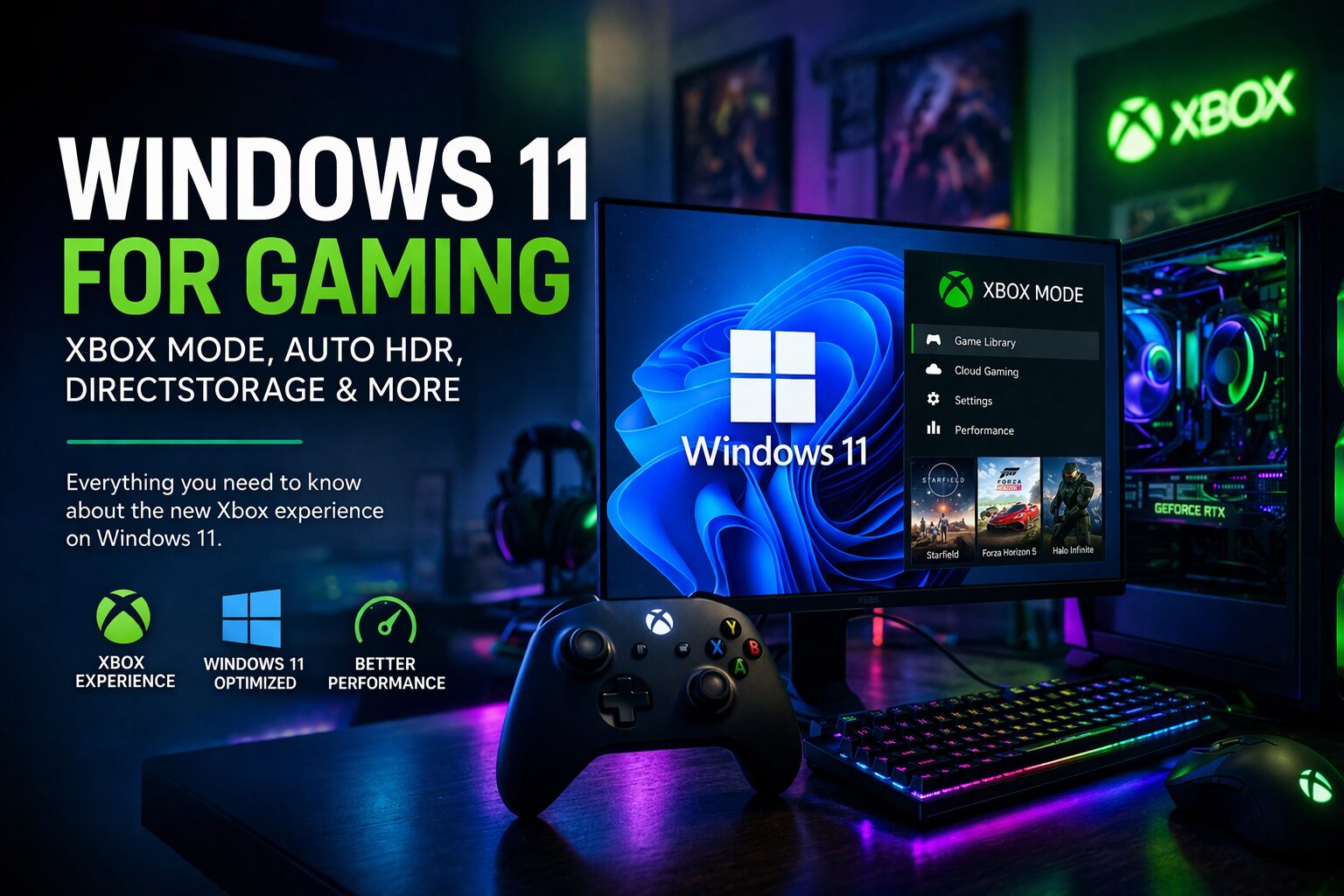
Windows 11 does not have a mode specifically called “Xbox mode.” What it does have is deep Xbox integration: the Xbox app pre-installed with Game Pass access, Game Bar (Win+G) for in-game overlays, and Windows 11 Game Mode, a background OS feature that prioritizes resources for the active game. Together, these create an Xbox-connected experience on PC.
What is DirectStorage and does my PC support it?
DirectStorage is a Windows 11 API that loads game assets directly from an NVMe SSD to the GPU, cutting CPU overhead and reducing load times. To use it fully, you need an NVMe SSD and a compatible GPU: NVIDIA RTX series, AMD RX 6000 series or newer, or Intel Arc. Older SATA SSDs or HDDs will not benefit.
What is Auto HDR and how do I enable it?
Auto HDR is a Windows 11 system-level feature that applies HDR color and brightness processing to SDR games using machine learning, the same technology Microsoft uses on Xbox Series X|S. Enable it at: Settings → System → Display → HDR. It requires an HDR-capable monitor and works with DirectX 11 and 12 titles.
Should I upgrade to Windows 11 just for gaming?
If your hardware is compatible and you use Game Pass or have an HDR monitor, yes. Beyond gaming features, Windows 10’s end of support in October 2025 means security updates will stop, making Windows 11 the practical choice regardless of gaming preferences.
Do I need a new key to install Windows 11 on a gaming PC?
It depends. Upgrading an already-licensed Windows 10 machine often carries the license over automatically. For clean installs or new builds, a genuine Windows 11 key is required. The Software Kings offers verified Windows 11 and Windows 11 Pro keys for both Home and Pro editions.